Instant sign editor
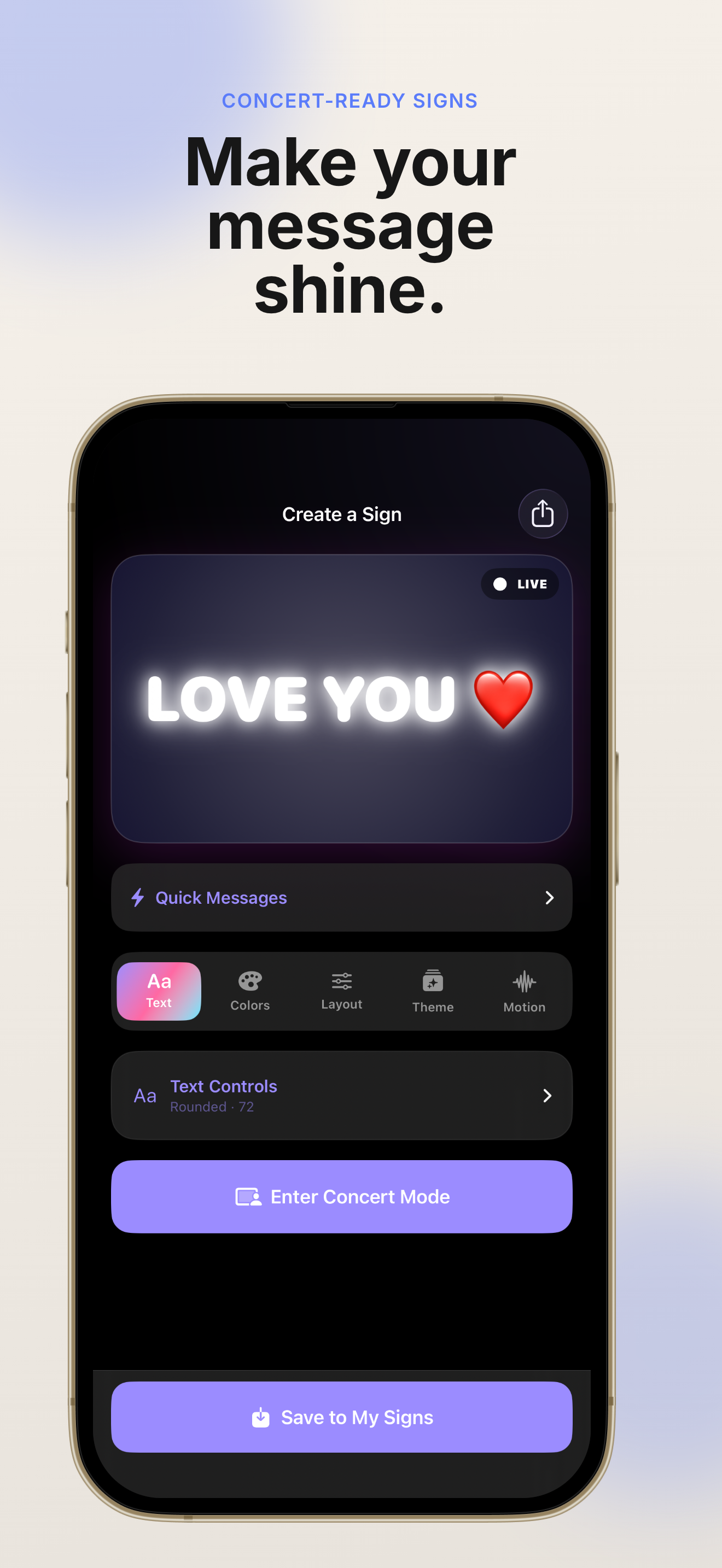
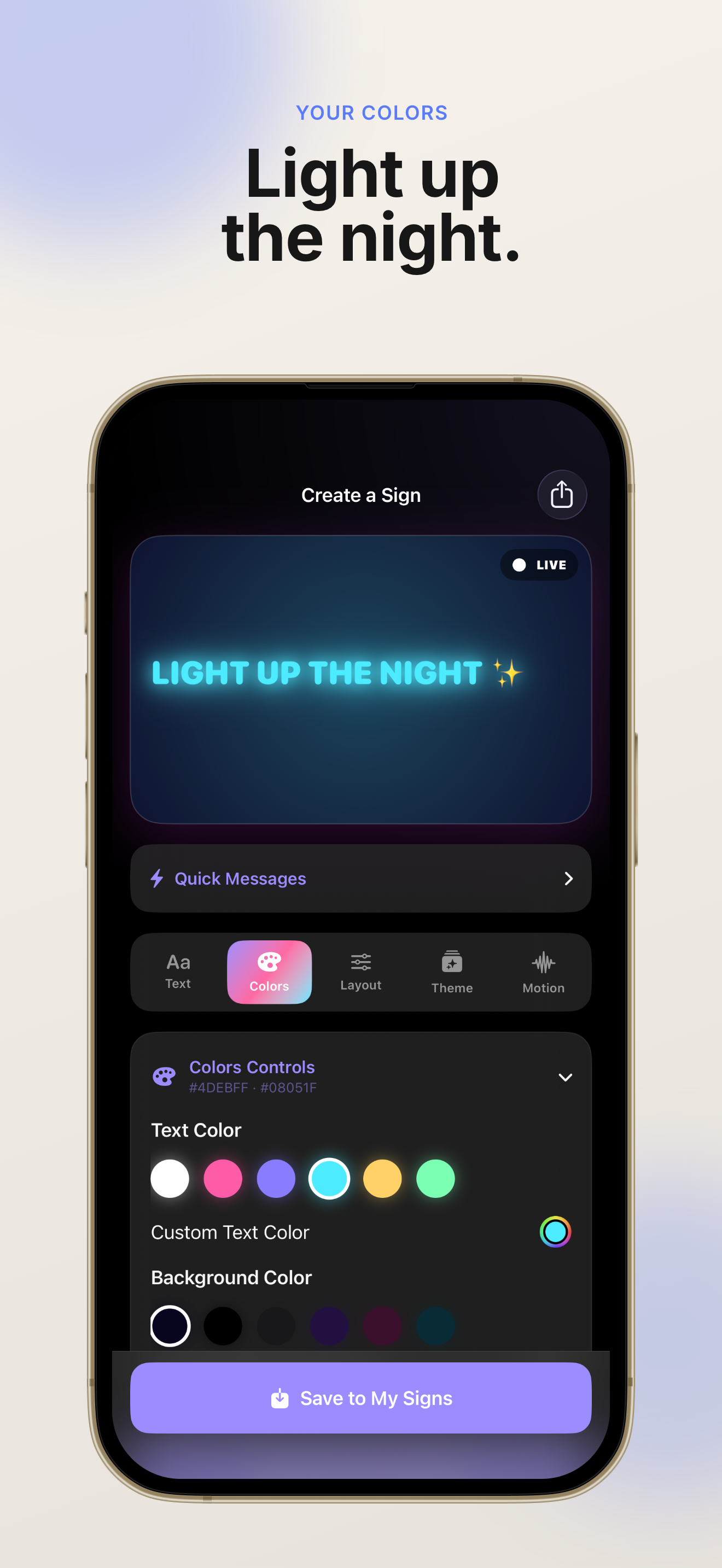
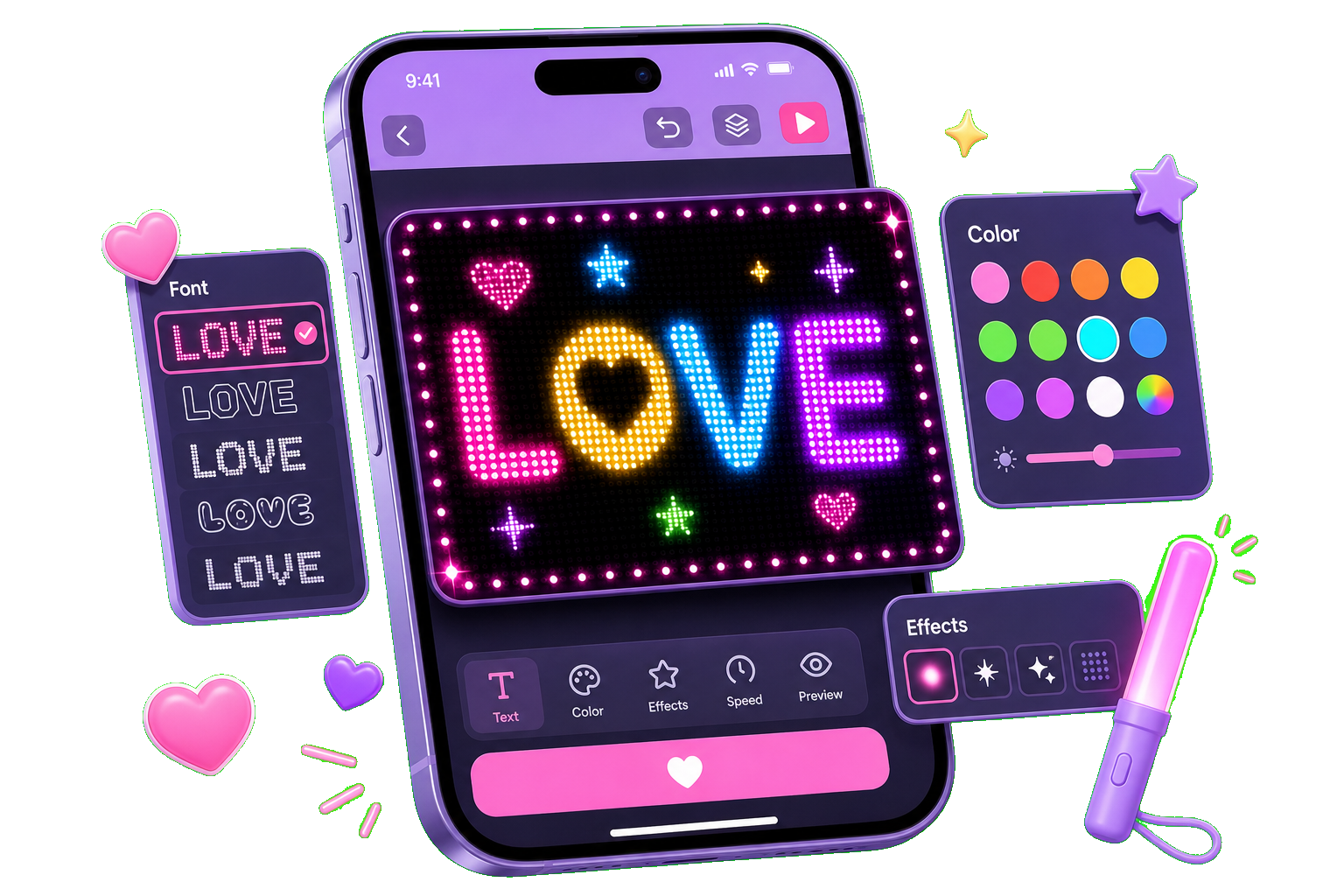
Build any fan message with fonts, colors, alignment, and glow decorations. GlowSign updates your preview live as you edit.
Concert LED Fan Signs
GlowSign helps you build a beautiful digital fan sign in under 30 seconds. Pick fonts, colors, and glow effects, then open Concert Mode for a bright full-screen display that stays awake while you cheer.
Built for concerts, birthdays, fan events, and every moment you want to stand out.
From quick sign creation to full-screen Concert Mode, GlowSign keeps your fan message bright, readable, and ready before the lights go down.
GlowSign is designed for real concert nights — fast setup, bright display, and controls that still work when the crowd gets loud.
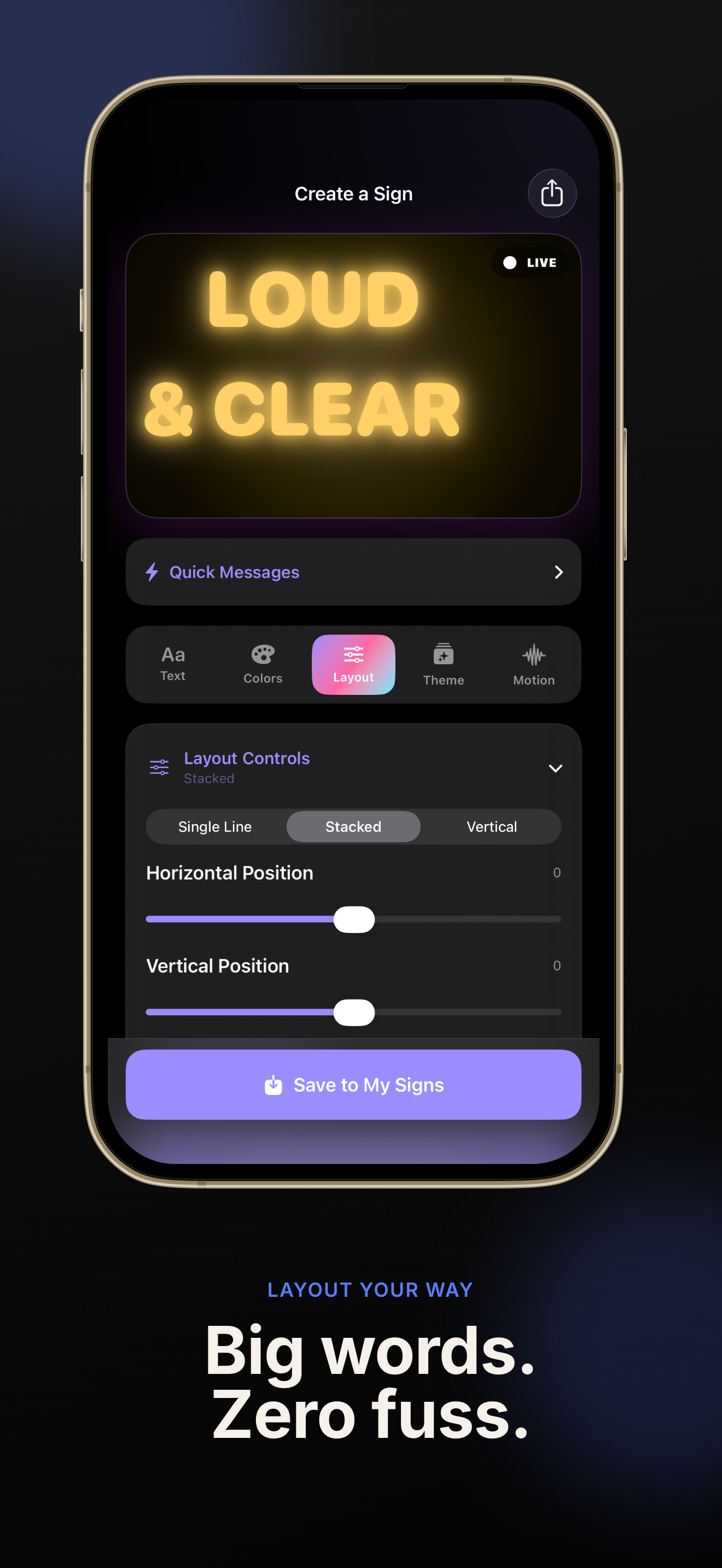
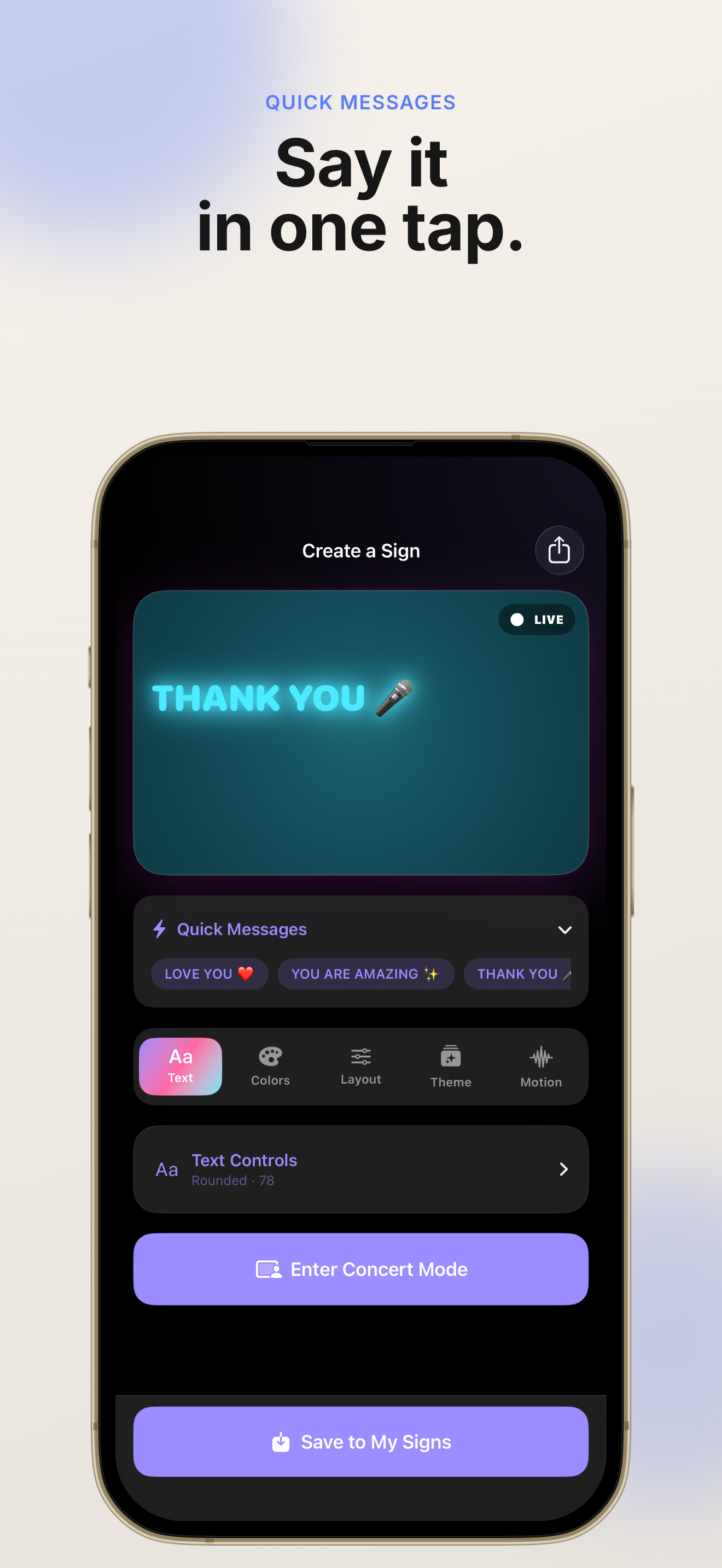
Type any message, choose fonts and colors, adjust layout, and add glowing decorations. GlowSign previews every change instantly so your fan sign looks exactly right before showtime.
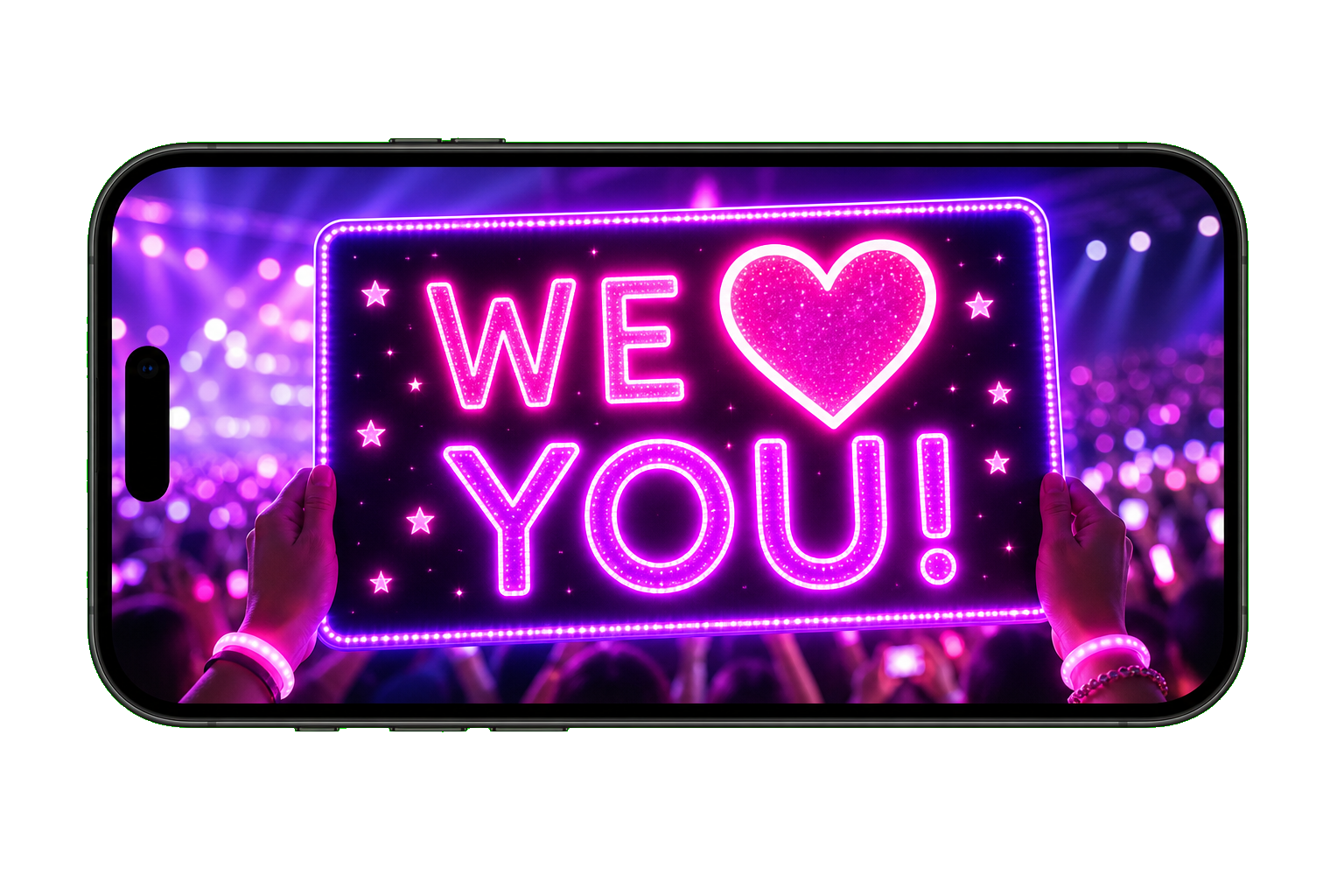
Open Concert Mode for a landscape full-screen display that keeps the screen awake. Save favorite signs, build a setlist, swipe between messages, or let Auto Play run your GlowSign lineup.
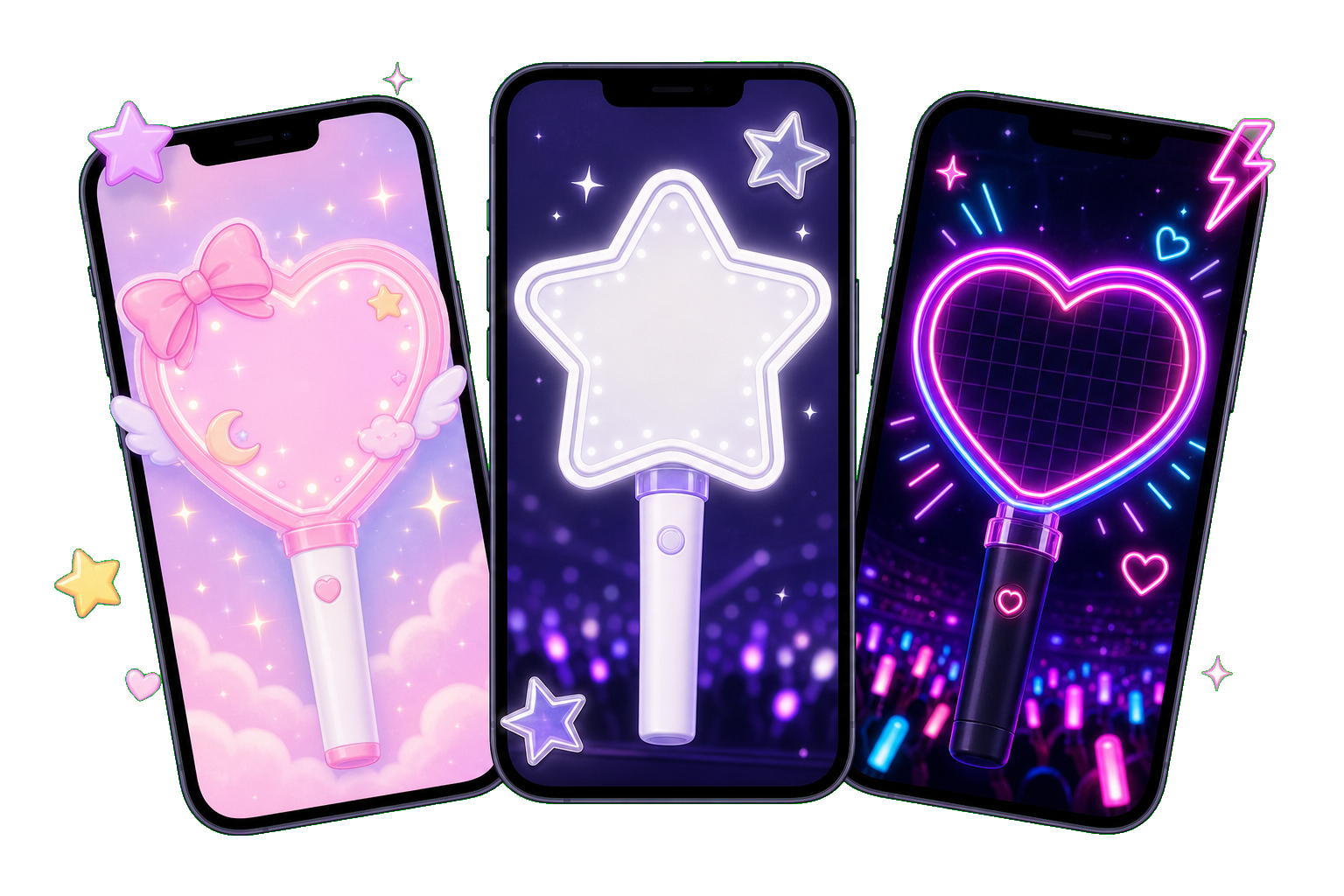
Start with cute, simple, and glow themes in GlowSign. Upgrade to GlowSign Pro for premium styles, advanced animations, decorative layers, GIF and HD video export, and unlimited concert setlists.
GlowSign packs the essentials fans need — from quick editing to show-night reliability — in one focused iOS app.
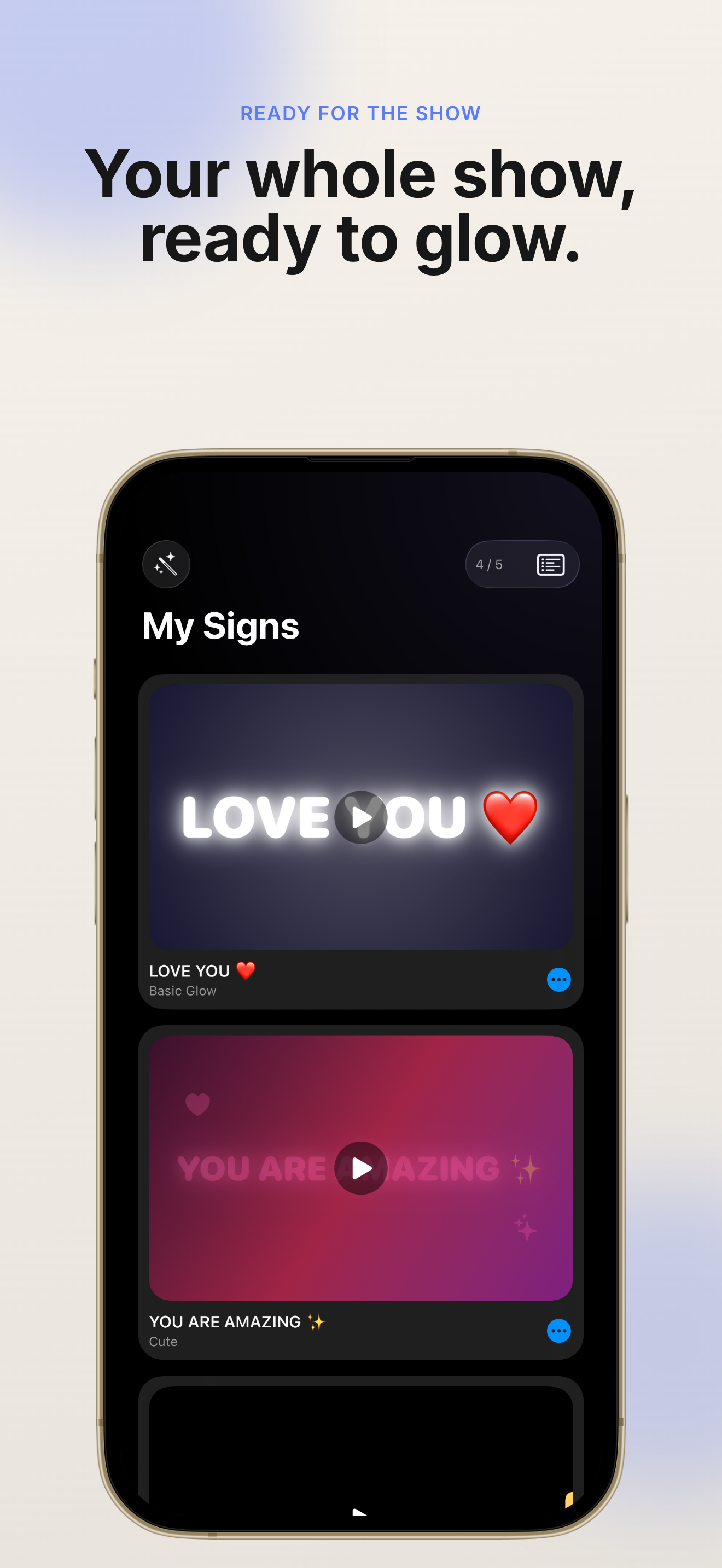
Build any fan message with fonts, colors, alignment, and glow decorations. GlowSign updates your preview live as you edit.
GlowSign keeps your sign full screen in landscape with the display awake — perfect when you need maximum visibility in the crowd.
Save signs before the show and switch between them in one tap. GlowSign Pro adds custom setlists and hands-free Auto Play.
Pick from cute, simple, and glow looks. GlowSign Pro unlocks premium themes, Pro Motion controls, and advanced text effects.
Export animated GIFs and HD videos of your GlowSign creations to share with friends or post before the concert.
Your GlowSign messages stay on your device. No account or login is required — create, display, and cheer with confidence.
Three simple GlowSign steps from blank screen to crowd-ready fan sign.
Open GlowSign, type your cheer text, and style it with fonts, colors, and glow effects until it feels perfect.
Build a lineup of favorite messages in GlowSign so you can switch quickly when the moment hits.
GlowSign Pro adds unlimited signs and custom concert setlists.
Rotate to landscape, go full screen, and let GlowSign keep your display bright while you cheer.
Swipe between saved signs or enable Auto Play for a hands-free GlowSign show.
Read GlowSign FAQQuick answers about GlowSign, Concert Mode, privacy, and GlowSign Pro.
GlowSign is an iOS app that turns your iPhone or iPad into a digital fan sign. You create glowing messages, then display them full screen at concerts, birthdays, and fan events.
No. GlowSign works without login. Your signs are stored locally on your device, so you can start creating immediately.
Concert Mode is GlowSign's landscape full-screen view designed for live events. It keeps the screen awake and makes it easy to swipe between saved signs or run Auto Play.
GlowSign Pro adds premium themes, advanced animations, Pro Motion controls, decorative layers, GIF and HD video export, unlimited signs, and custom concert setlists. Pricing is shown in the app.
GlowSign stores your signs on your device. The app does not require an account, and we designed GlowSign with privacy in mind. See our Privacy Policy for full details.
GlowSign runs on iPhone and iPad. Download it from the App Store and create your first fan sign in about 30 seconds.
Download GlowSign and build your first glowing fan sign before the next show.
Concert Mode, setlists, and beautiful themes are waiting in the app.
Free to download. GlowSign Pro subscription and lifetime options are available in the app.